
New Algo Buttons Open New Opportunities for IP Paging
An IP paging system can reach people across a building. But how easily can an employee activate the right message when it matters?
That question can uncover opportunities for VARs and MSPs serving schools, warehouses, manufacturing facilities, healthcare organizations, and offices. A customer may already have speakers and alerting devices in place, yet still rely on a phone, a software interface, or a designated staff member to initiate a notification.
A clearly labeled button at the point of need gives partners another way to design that workflow.
Algo Expands Its IP Paging Button Portfolio
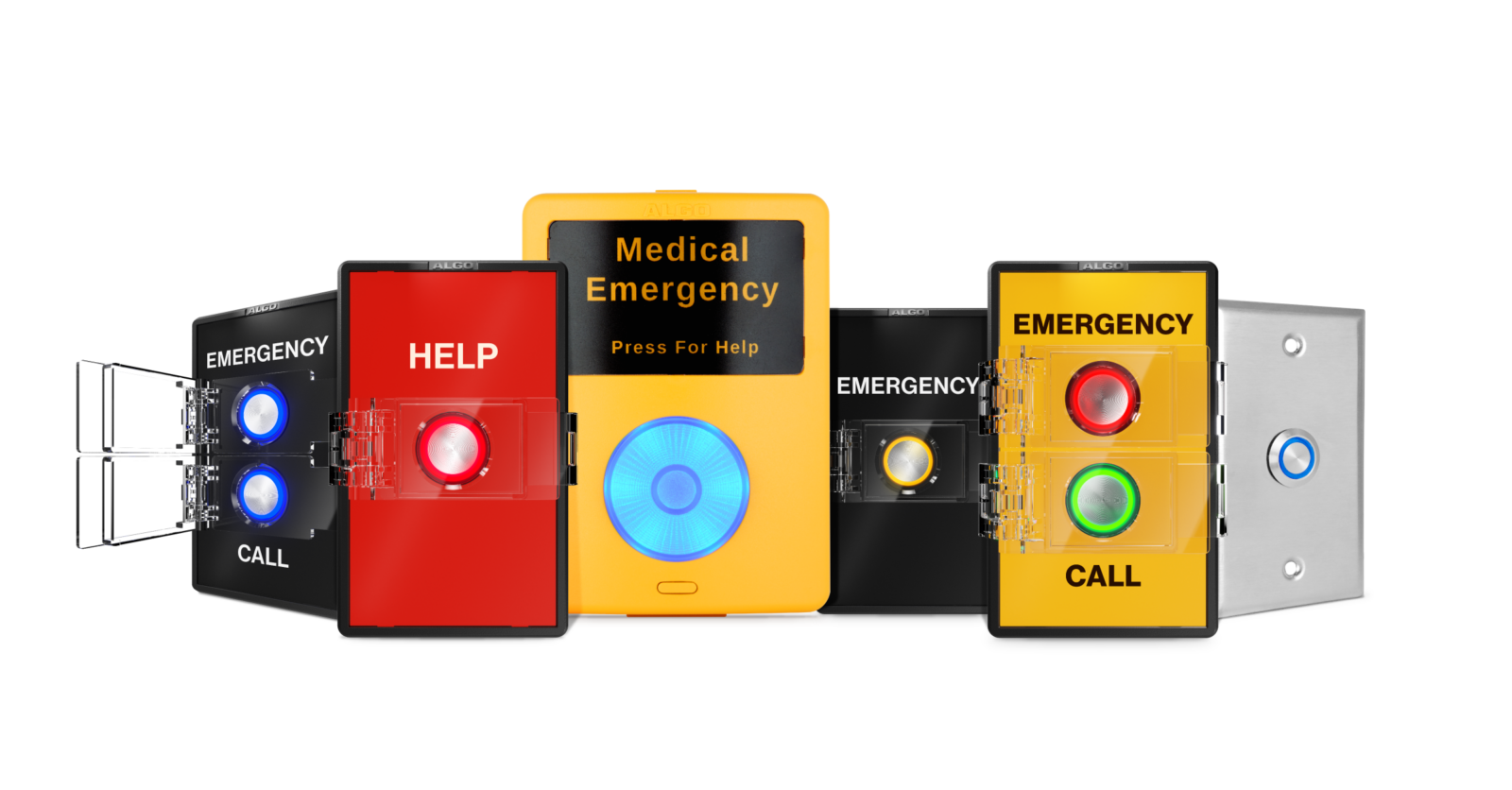
On September 9, 2026, Algo announced four new configurable models, expanding its portfolio of Algo IP paging buttons and accessories.
| Algo Model | Connection / Deployment |
|---|---|
| 8211 IP Single Button | Standalone IP button that connects directly to the network |
| 8212 IP Dual Button | Standalone IP button that connects directly to the network |
| 1211 Single Button | Smart relay accessory that connects to a compatible Algo IP endpoint |
| 1212 Dual Button | Smart relay accessory that connects to a compatible Algo IP endpoint |
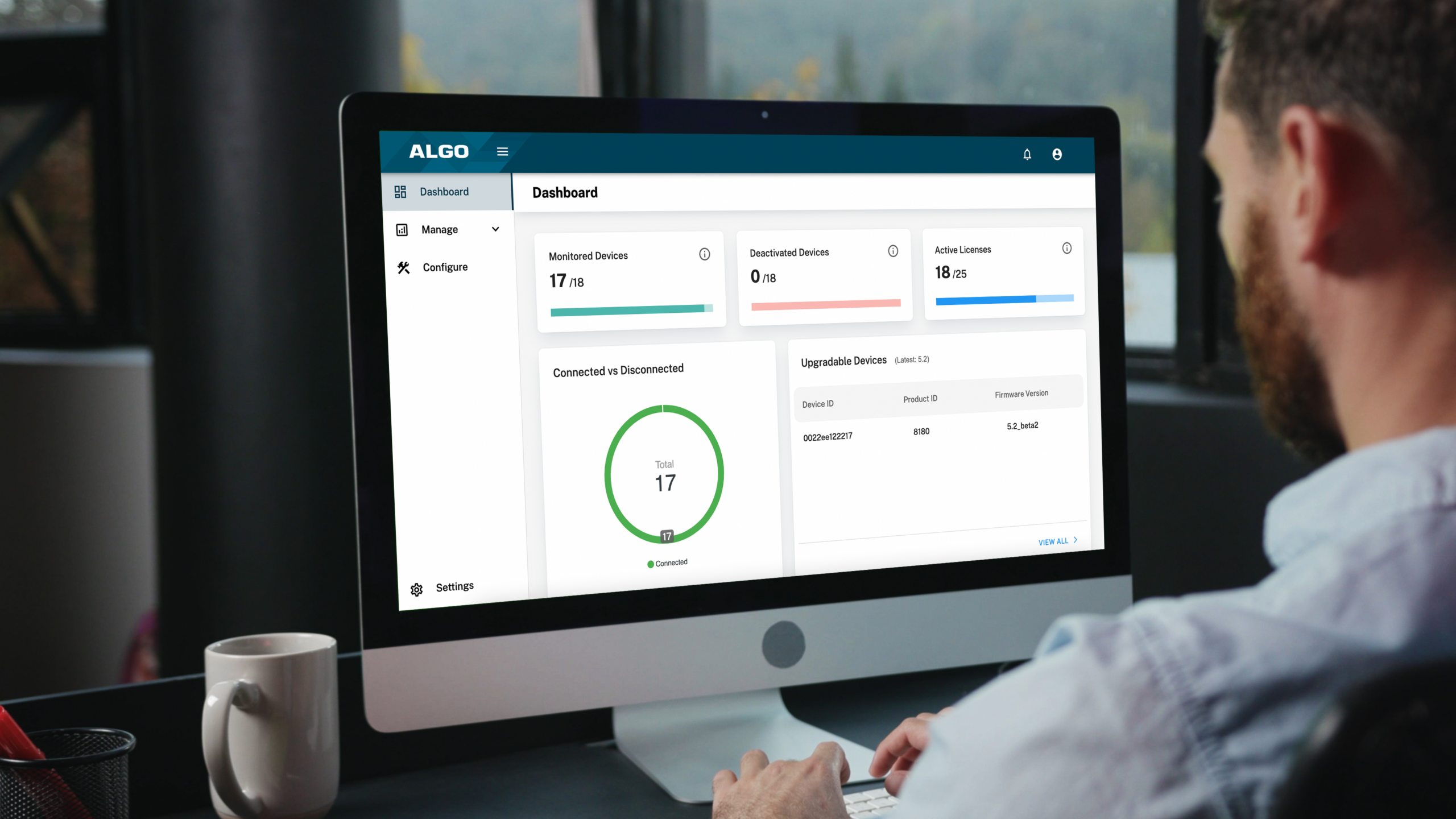
The IP models support press and long-press actions, providing two configurable actions on the 8211 and four on the 8212. Features include configurable illumination, selectable labels, optional protective covers, and monitoring through the Algo Device Management Platform (ADMP).
Algo specifies firmware 5.7 as a requirement. Availability of the 8211 and 8212 may vary by distributor and region.
Read Algo’s product announcement.
See Algo’s New Buttons in Action
Watch Algo’s overview of its expanded button portfolio.
Video courtesy of Algo.
Watch on YouTube.
Start With the Workflow
For partners, the most useful conversation starts with what employees need to accomplish.
Who initiates an announcement? Where are they when they need to do it? What steps must they take? Who needs to receive the message?
Consider a warehouse where a supervisor needs to request assistance from a specific area. Or a school office where staff need a clearly defined way to initiate an established notification procedure. These are potential applications to evaluate during system design, with the activation method, destinations, and response process configured for the customer’s needs.
The goal is to make the intended action easy to identify and perform. A well-designed workflow should also make clear what happens after activation and who is responsible for responding.
Revisit Existing Paging Customers
These conversations do not have to wait for a complete system replacement.
An existing customer may have added a building, changed its staffing patterns, or revised its operating procedures since the original installation. Those changes can create a need for additional activation points.
Ask customers:
- Are there locations where staff need quicker access to paging or alerting?
- Does the current process require employees to leave their work area?
- Would separate controls for different actions make the process clearer?
- Have facility changes created gaps in the original system design?
- Who checks that the communication workflow still operates as intended?
The answers can help partners identify a focused expansion project and a reason to review the broader installation.
Match the Button to the Installation
A dedicated IP button and an accessory connected to an existing endpoint offer different installation paths. Selecting between them starts with a review of the proposed location, available connections, compatible equipment, and intended actions.
Partners should also define labels, activation behavior, and any protective covers around the people who will use the system. Emergency applications require coordination with the customer’s established response procedures and appropriate testing of the complete workflow.
That planning is part of the value the reseller brings. The button is one component of a communication process that needs to work from activation through response.
Expand the Conversation With EarthBend Distribution
Algo’s expanded button portfolio gives partners a timely reason to ask customers how they initiate paging and notifications today.
Whether you are evaluating a new project or an addition to an existing installation, EarthBend Distribution can help you explore the Algo products relevant to your customer’s needs.
Have an application in mind? Contact EarthBend Distribution to discuss product selection, compatibility, pricing, and availability.